

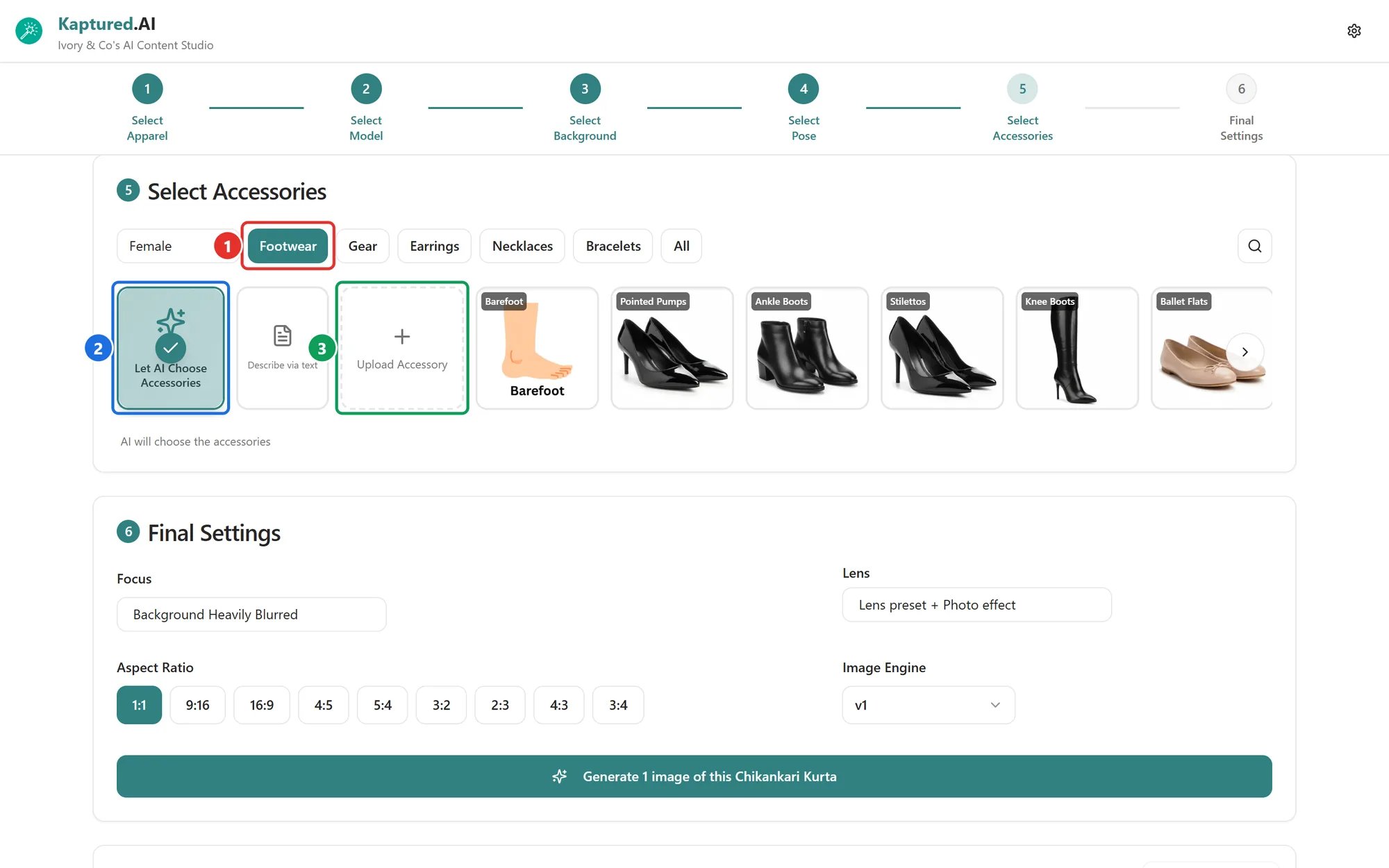
Select Accessories: type filters (1), Let AI Choose Accessories (2) and Upload Accessory (3).
Let the AI choose
Let AI Choose Accessories (2) picks items that suit the product and model. It’s the quickest option.Clothing and other products
- Filter by Male, Female, Kids or All.
- Narrow down by type (1): Footwear, Gear, Earrings, Necklaces, Bracelets or Lowers.
- Click the items you want. Each one has a color menu; leave it on Let AI pick color or choose a color.
Jewelry
Jewelry shops see four tabs:- Objects: items placed near the piece
- Surfaces: what the piece rests on
- Retail Props: display stands and boxes
- Lighting Aids
Upload your own accessories
Click Upload Accessory (3) (or Upload Object / Upload Retail Prop for jewelry) to use your own shoes, bags, props and so on.- Up to 5 of your own items per generation.
- Up to 10 saved items.
- Retail prop photos must be under 5 MB.